 Working with YAML in PowerShell Using powershell-yaml
The ticket said a scheduled DSC pull job was failing on three of seven nodes. Twenty minutes of log reading later, the pattern was obvious: every failure node deserial…
Working with YAML in PowerShell Using powershell-yaml
The ticket said a scheduled DSC pull job was failing on three of seven nodes. Twenty minutes of log reading later, the pattern was obvious: every failure node deserial…
 PowerShell REST API Calls with Invoke-RestMethod: A Practical Guide
While working on a monitoring integration for a logistics client, I got an idea for a small helper script that would pull ticket counts from their ITSM API every 15 mi…
PowerShell REST API Calls with Invoke-RestMethod: A Practical Guide
While working on a monitoring integration for a logistics client, I got an idea for a small helper script that would pull ticket counts from their ITSM API every 15 mi…
 PowerShell Providers: Navigate the Registry Like a Filesystem
A managed services client called us at 2 AM because a fleet of 180 Windows Server 2022 boxes had stopped autoloading their LOB agent after a botched GPO push. The Powe…
PowerShell Providers: Navigate the Registry Like a Filesystem
A managed services client called us at 2 AM because a fleet of 180 Windows Server 2022 boxes had stopped autoloading their LOB agent after a botched GPO push. The Powe…
 Invoke-Command at Scale: PowerShell Across 200 Servers
A client with 212 Windows servers across four regions asked us to push a single time zone correction before a quarterly close. Their previous vendor had quoted two eng…
Invoke-Command at Scale: PowerShell Across 200 Servers
A client with 212 Windows servers across four regions asked us to push a single time zone correction before a quarterly close. Their previous vendor had quoted two eng…
 Reading and Writing Windows Registry with PowerShell
After the third failed login script rollout in a single quarter, a financial services client brought us in to clean up their configuration management. The previous MSP…
Reading and Writing Windows Registry with PowerShell
After the third failed login script rollout in a single quarter, a financial services client brought us in to clean up their configuration management. The previous MSP…
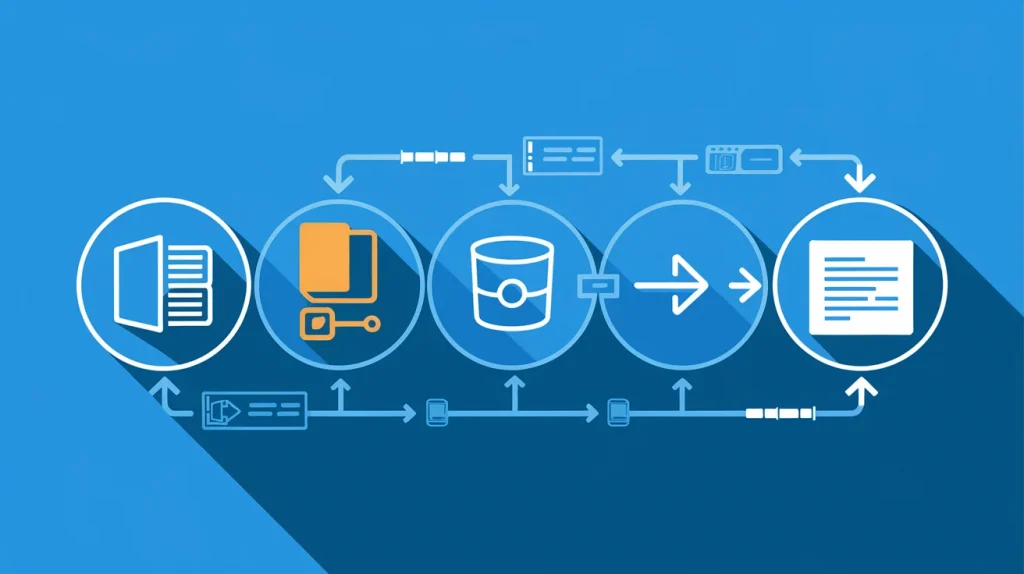 PowerShell OutBuffer: How Pipeline Buffering Actually Works
We had a client whose nightly reconciliation script was melting a SQL server every night around 3AM. The script pulled roughly 40,000 objects from an API and shoved ea…
PowerShell OutBuffer: How Pipeline Buffering Actually Works
We had a client whose nightly reconciliation script was melting a SQL server every night around 3AM. The script pulled roughly 40,000 objects from an API and shoved ea…
 PowerShell Select-Object: Master Object Properties Fast
One of our managed services clients had a junior admin exporting process lists to Excel, then deleting columns by hand. Every morning. For compliance evidence. That is…
PowerShell Select-Object: Master Object Properties Fast
One of our managed services clients had a junior admin exporting process lists to Excel, then deleting columns by hand. Every morning. For compliance evidence. That is…
 PowerShell Variables: Scope, Types, and Best Practices
Last month we inherited a 3,000-line PowerShell deployment script from a manufacturing client. The thing was riddled with global variables bleeding into functions, typ…
PowerShell Variables: Scope, Types, and Best Practices
Last month we inherited a 3,000-line PowerShell deployment script from a manufacturing client. The thing was riddled with global variables bleeding into functions, typ…
 Bash Functions: Defining, Calling, and Returning Values
Last quarter a client’s deployment script hit 900 lines with zero bash functions. Just a massive wall of sequential commands. When something broke at 2 AM, nobody coul…
Bash Functions: Defining, Calling, and Returning Values
Last quarter a client’s deployment script hit 900 lines with zero bash functions. Just a massive wall of sequential commands. When something broke at 2 AM, nobody coul…
 PowerShell Module Management: Install, Import, and Update
A client called us on a Monday morning because half their admin team couldn’t run Exchange management commands. The other half could. Same servers, same accounts, same…
PowerShell Module Management: Install, Import, and Update
A client called us on a Monday morning because half their admin team couldn’t run Exchange management commands. The other half could. Same servers, same accounts, same…
 Automating ODBC DSN Management with PowerShell Remove-OdbcDsn
The ticket read: “Application can’t connect to the database.” After remoting into the server, I ran Get-OdbcDsn and found seventeen ODBC data source names — eight of w…
Automating ODBC DSN Management with PowerShell Remove-OdbcDsn
The ticket read: “Application can’t connect to the database.” After remoting into the server, I ran Get-OdbcDsn and found seventeen ODBC data source names — eight of w…
 PowerShell For, ForEach, and While Loops Explained
Last quarter we inherited a client environment with 140 Windows servers. The previous admin had been manually checking disk space on each one. Every. Single. Morning…
PowerShell For, ForEach, and While Loops Explained
Last quarter we inherited a client environment with 140 Windows servers. The previous admin had been manually checking disk space on each one. Every. Single. Morning…
 GitHub CI/CD Automation: Stop Deploying Like It’s 2012
A dev team we inherited during a client onboarding was doing manual deployments via FTP. In 2025. One guy held all the credentials. He’d SSH into the box, pull from Gi…
GitHub CI/CD Automation: Stop Deploying Like It’s 2012
A dev team we inherited during a client onboarding was doing manual deployments via FTP. In 2025. One guy held all the credentials. He’d SSH into the box, pull from Gi…
 PowerShell Automation Readiness Audit for IT Teams
I used to spend two hours every Friday manually reviewing scripts before they hit production. Scan for error handling. Check the logging. Run through a mental list of…
PowerShell Automation Readiness Audit for IT Teams
I used to spend two hours every Friday manually reviewing scripts before they hit production. Scan for error handling. Check the logging. Run through a mental list of…
 PowerShell Parameters, Validation & Dynamic Parameters
Related reading: PowerShell Automation Readiness Audit for IT Teams | PowerShell Scripts, Functions, and Script Blocks Guide
PowerShell Parameters, Validation & Dynamic Parameters
Related reading: PowerShell Automation Readiness Audit for IT Teams | PowerShell Scripts, Functions, and Script Blocks Guide
 PowerShell Scripts, Functions, and Script Blocks Guide
PowerShell scripts, functions, and script blocks are the three core building blocks of IT automation for system administrators. Knowing which to use – and how to struc…
PowerShell Scripts, Functions, and Script Blocks Guide
PowerShell scripts, functions, and script blocks are the three core building blocks of IT automation for system administrators. Knowing which to use – and how to struc…